Product Updates: February 2026
We've been busy building features to help you estimate faster, get paid easier, and keep clients in the loop.
Article written by
Zack Bedingfield
This month's release is focused on cutting manual entry out of estimating and billing, and giving contractors more visibility into where documents stand with clients.
AI Photo Upload for Scope and Estimating
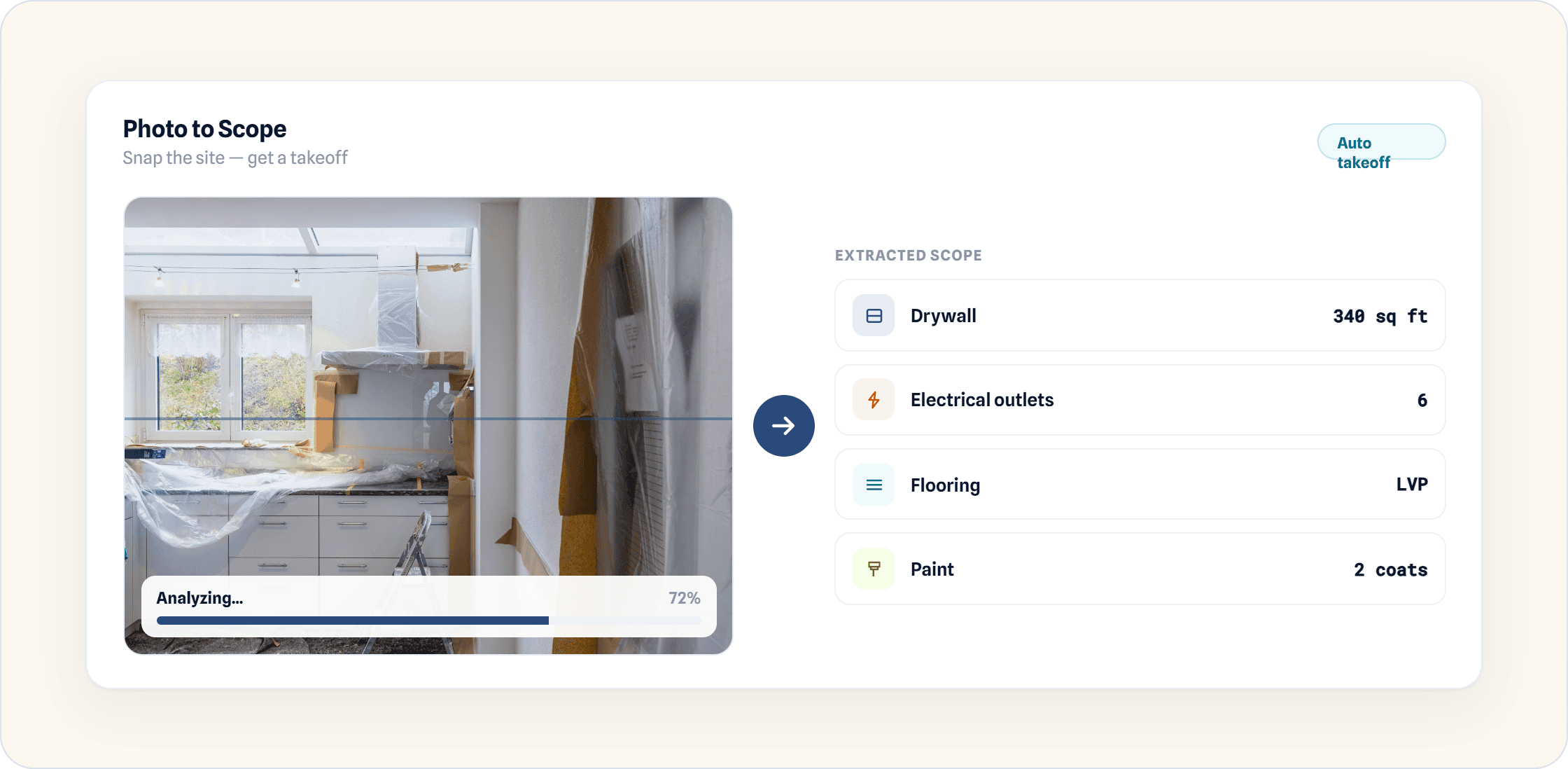
Upload photos of site conditions or design inspiration, and KonstructIQ's AI photo tools automatically extract scope details, converting visual references directly into estimating data. Less time spent typing up a scope from a site visit, more time getting the estimate out the door.
Purchase Orders with Bill Sync
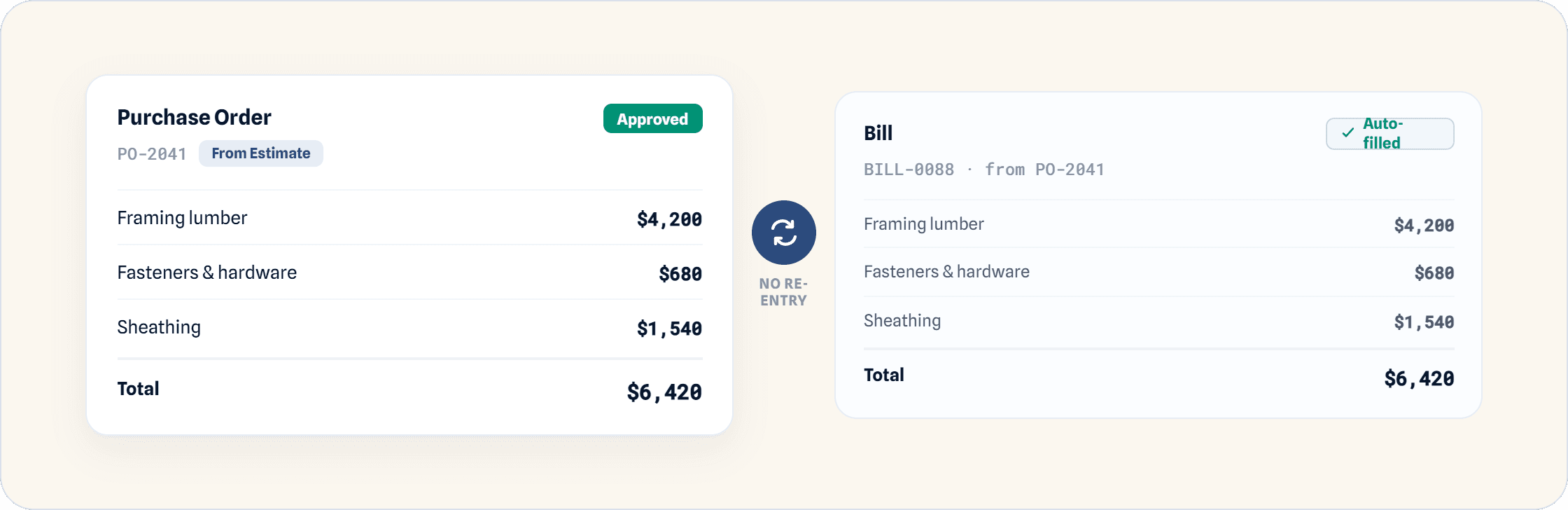
Create purchase orders directly within the platform, pulling items straight from existing estimates. Once a PO is approved, generate a bill from it without re-entering the same line items twice.
Custom Cost Codes
Standardize cost categorization across every document by uploading custom cost codes into your estimating catalog that match your existing business structure, instead of adapting your process to someone else's system.
Document Engagement Tracking
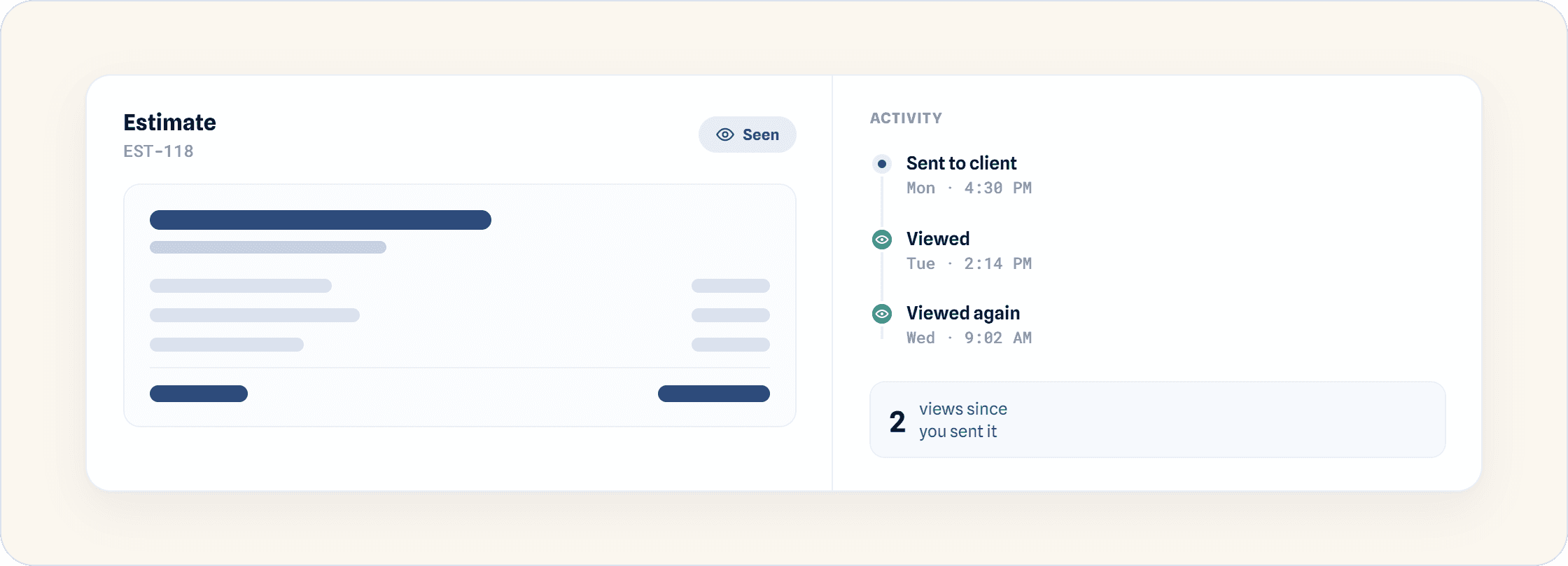
See exactly when a client views an estimate, change order, or invoice, down to the date and time, so follow-ups are based on what actually happened rather than a guess.
GC Signatures for Estimates
General contractors can now digitally sign estimates before they go out, adding a layer of accountability before a document ever reaches the client.
Contact Info Controls on Estimates
Toggle between displaying business details or the sender's personal contact information on estimate documents, depending on who should be the point of contact for that client.
Budget-Linked Invoicing and Bills
Invoices and bills now link to entire budget categories rather than individual line items, cutting down on the manual matching that used to happen document by document.
Estimate Version History and Automatic Markup Settings
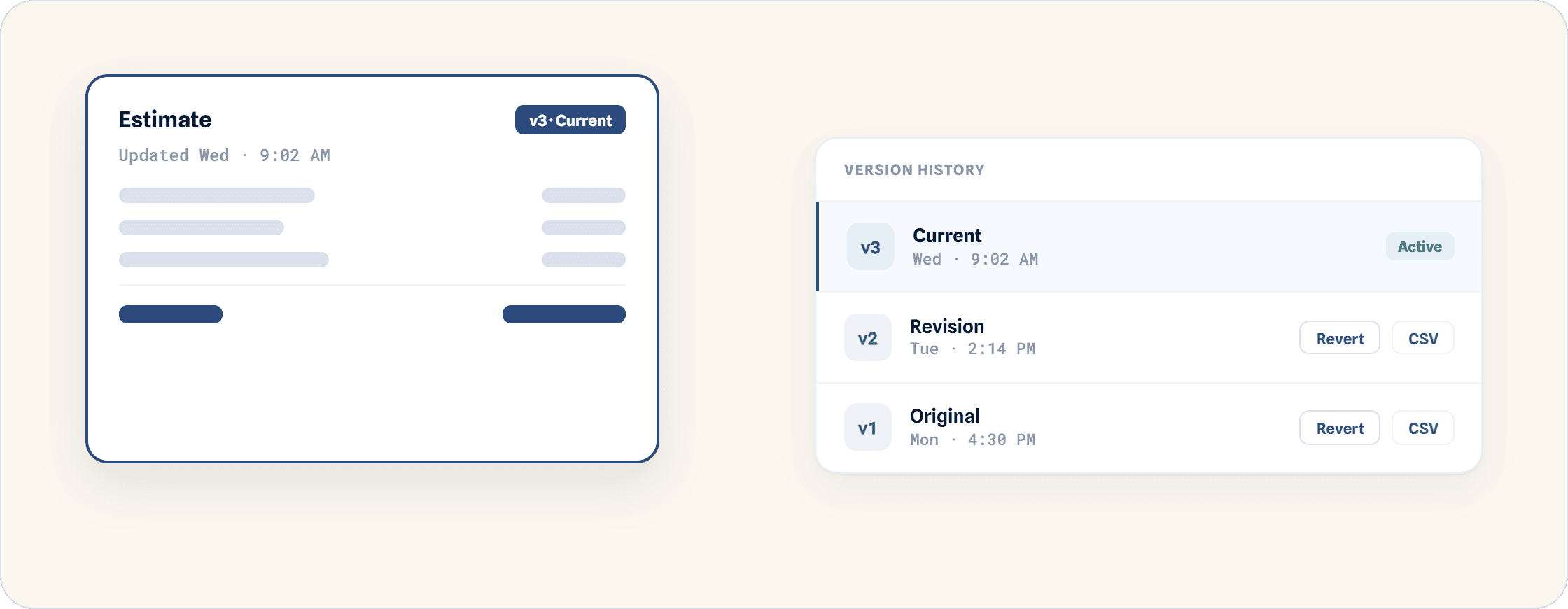
Access previous versions of an estimate through estimate refinement, print or download them as a CSV, or revert to an earlier version entirely. Markup preferences now auto-apply as soon as an estimate is saved, instead of needing to be re-entered every time.
Have a feature request, or want a walkthrough of any of the above? Book a demo or reach out to your KonstructIQ contact.